Pharmacy software for small businesses
Offline pharmacy management, made simple.
A complete pharmacy point-of-sale and management system that runs entirely on your own computer. Start with the Windows installer, with a macOS build also available.
Download for WindowsWindows 10/11 · .exe installer
View pricing- Works fully offline
- Your data stays local
- Windows installer ready
Sales
Profit
Stock
Everything your counter needs
One app to run your pharmacy
From the front counter to month-end reports, BotikaTech keeps every part of your drugstore in one place — no internet required.
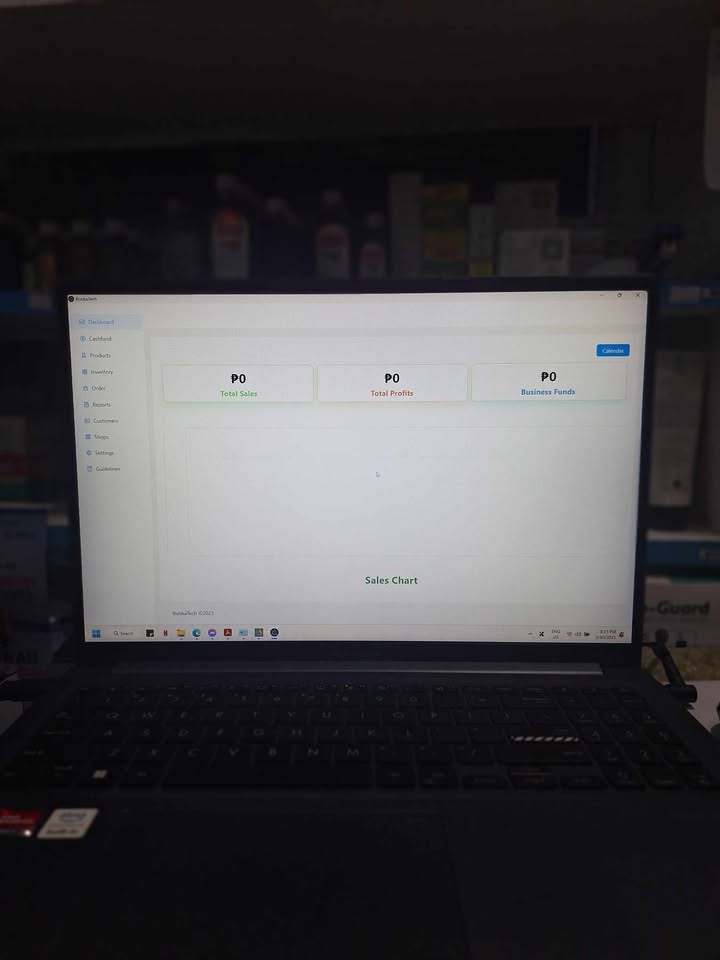
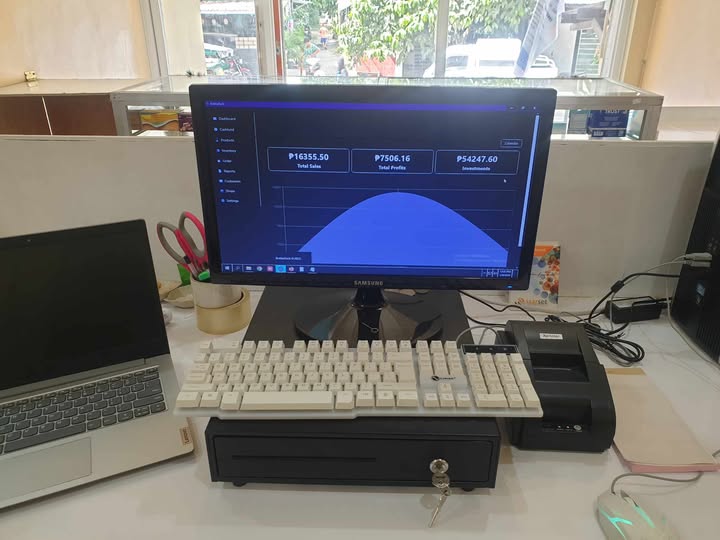
Dashboard
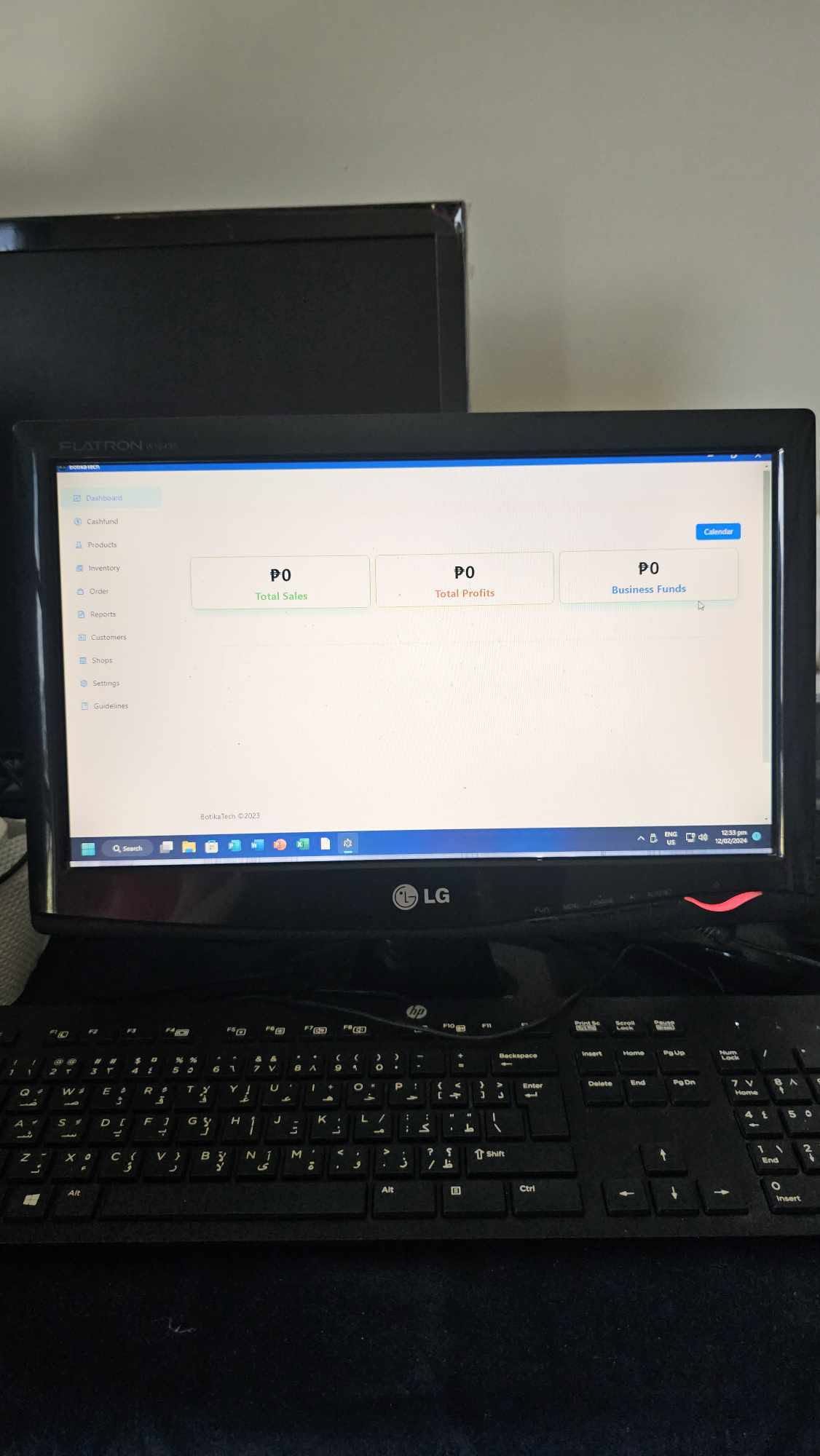
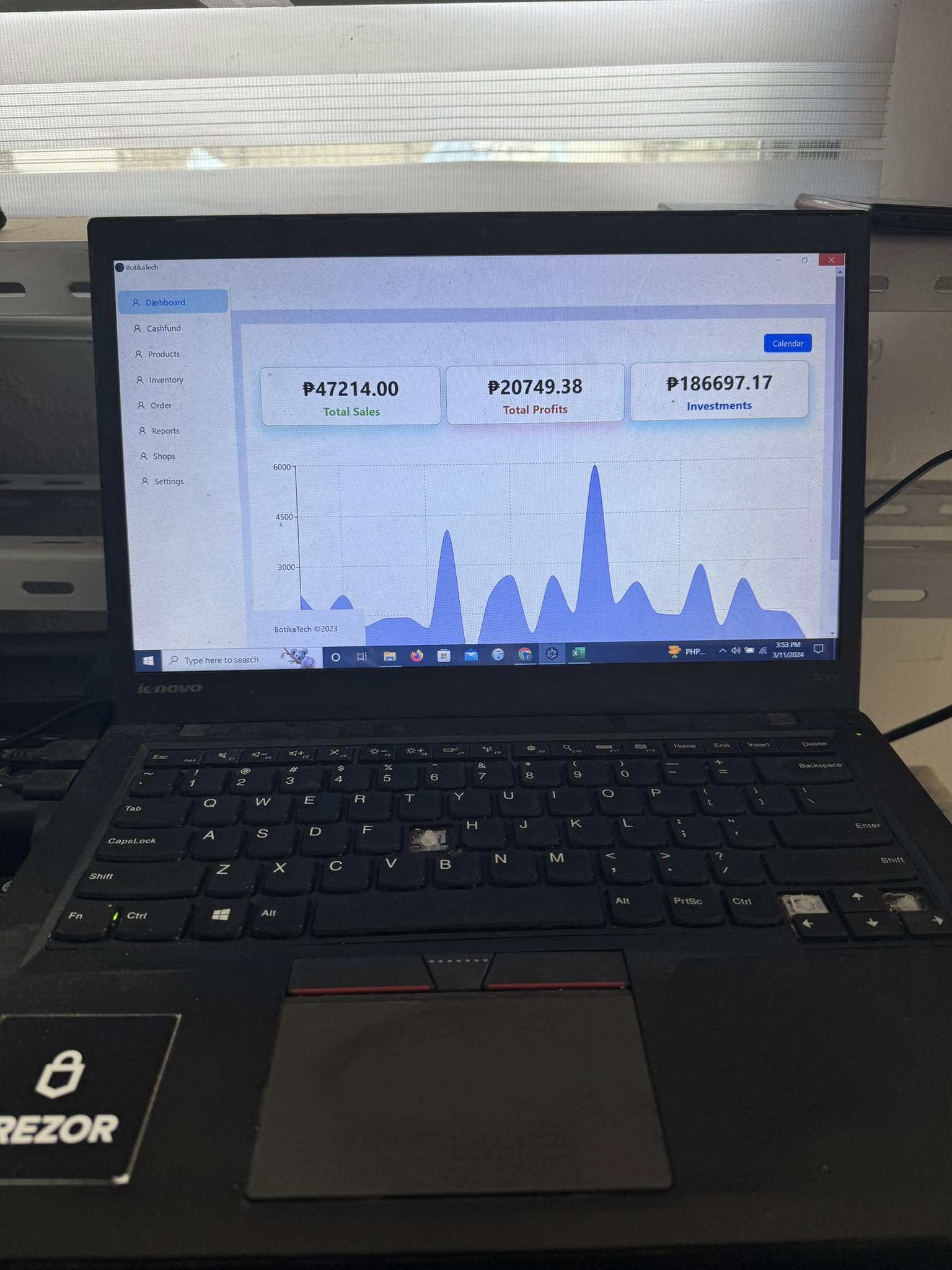
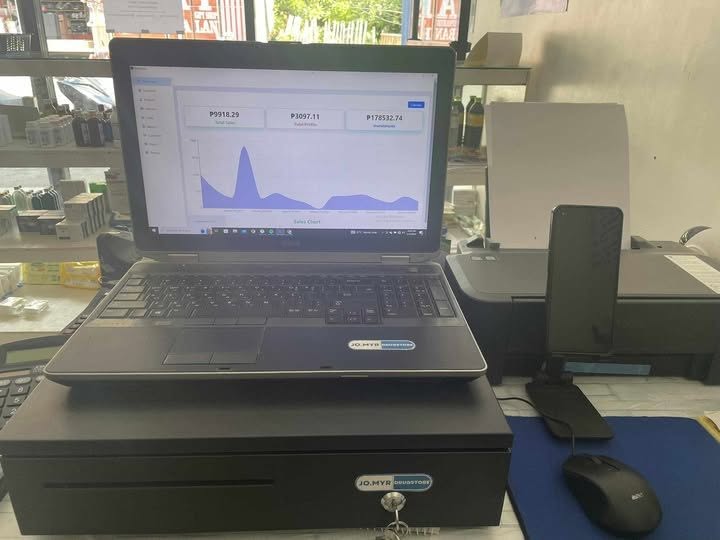
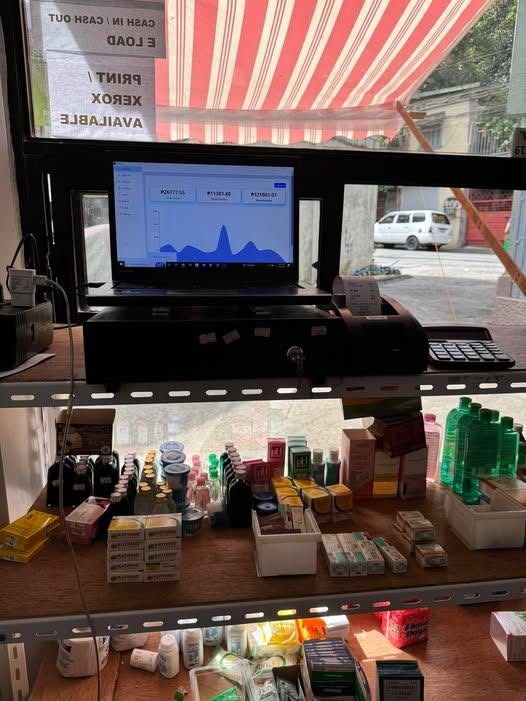
See sales, profit, and stock health at a glance with clean charts and summaries.
Cash Fund
Open and close the register, track cash on hand, and reconcile every shift.
Products
Manage your medicine catalog with prices, batches, and expiry tracking.
Inventory
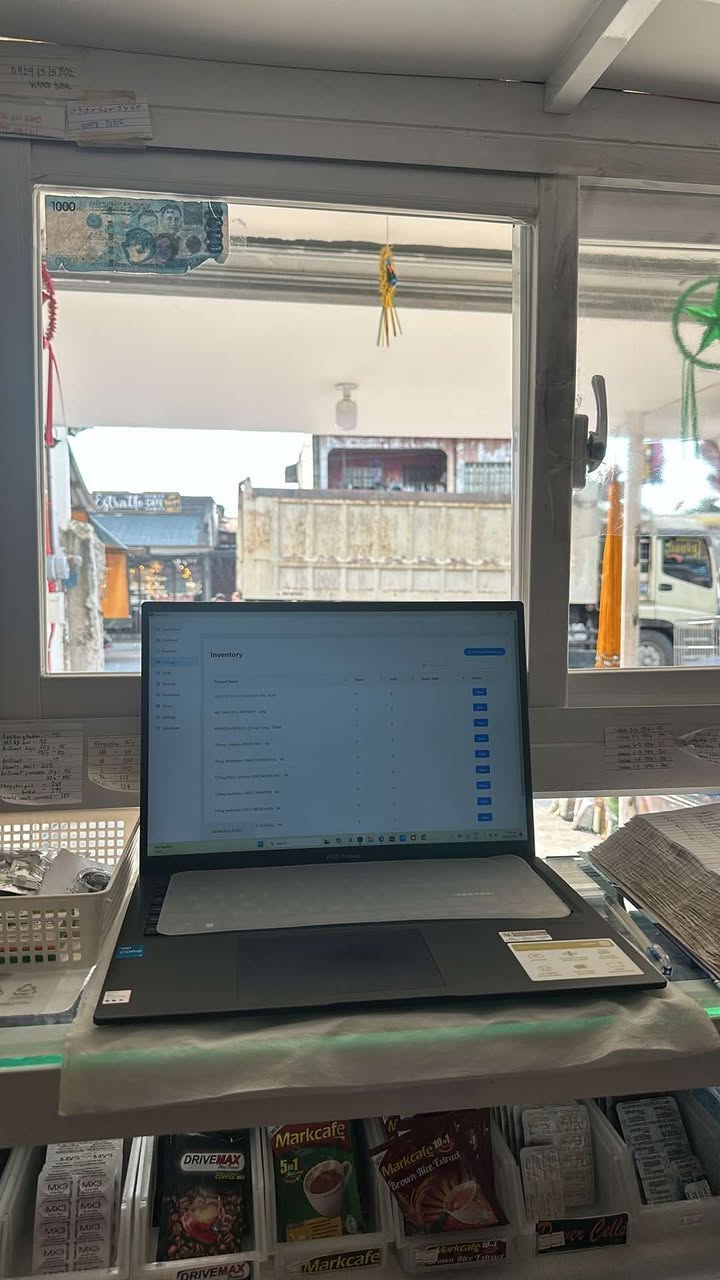
Monitor stock levels, get low-stock visibility, and keep shelves accurate.
Orders
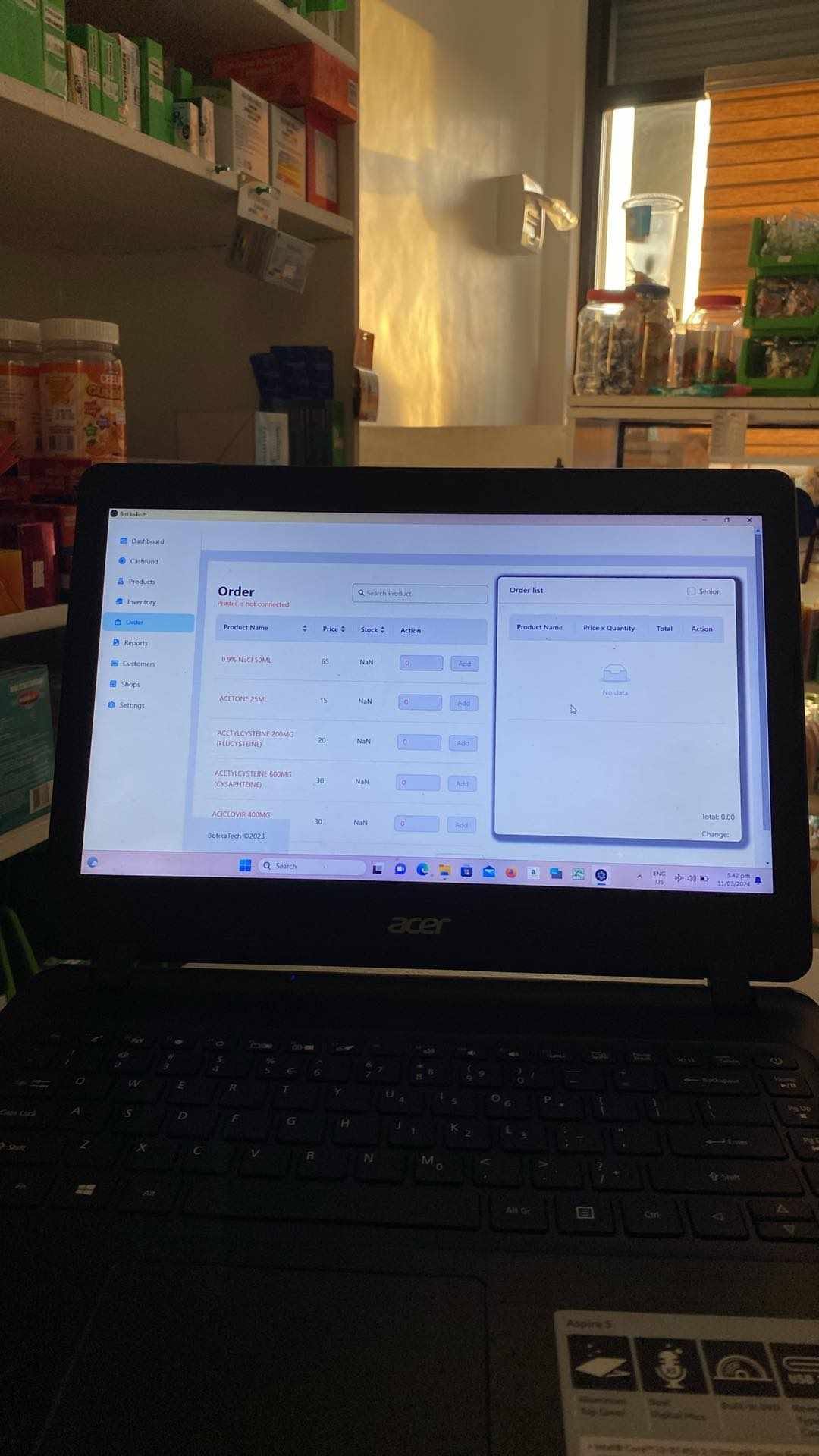
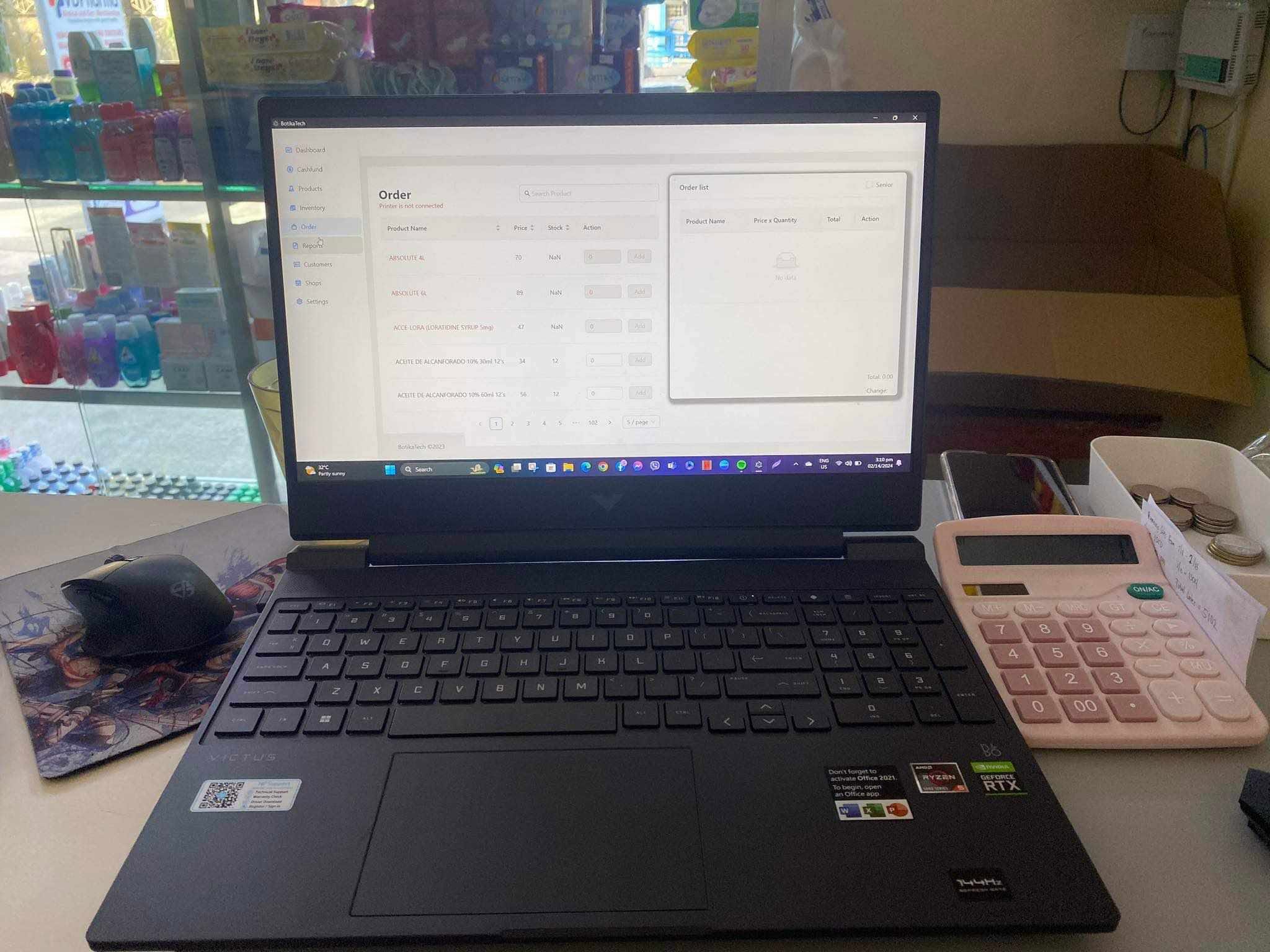
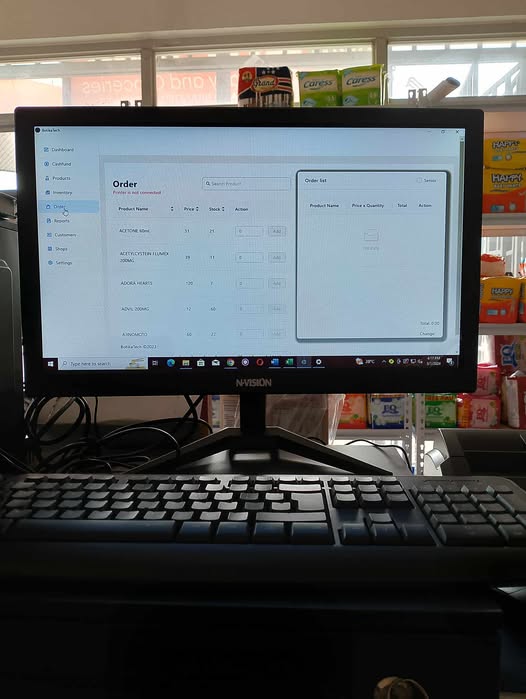
Ring up sales fast with a simple point-of-sale built for the counter.
Reports
Generate sales and inventory reports for any date range in seconds.
Customers
Keep a record of your regulars and their purchase history.
Shops
Manage your pharmacy details used across receipts and reports.
Backup
Export and restore your data so your records are always safe.

Activation
How to activate in 5 steps
BotikaTech installs free. Start with the Windows installer, then unlock premium features by choosing a plan and entering your activation key inside the app.
- 1
Download & install
Download the Windows .exe installer first for the fastest setup, then install and launch BotikaTech.
- 2
Choose a plan & pay
Pick the plan that fits your pharmacy and complete payment to unlock premium access.
- 3
Receive your activation key
We send your unique activation key once your payment is confirmed.
- 4
Open Settings → Activation
In the app, go to Settings, select your plan duration, and paste the activation key.
- 5
You are activated
Premium features unlock instantly and your remaining days are shown in the app.
In the app, open Settings → Activation, choose your plan duration, and paste the key we send you. Your remaining days are shown right after activation.
Simple, honest pricing
Choose a plan that fits your pharmacy
Every plan includes all features plus a preloaded 1000+ product list, so you can start selling fast with less manual setup.
One Month
₱99/ month
- All features included
- Single computer
- Preloaded 1000+ product list (no manual encoding)
- Email & Facebook support
Six Months
₱545/ 6 months
- All features included
- Single computer
- Preloaded 1000+ product list (no manual encoding)
- Priority support
- Save vs. monthly
Most popular
One Year
₱999/ year
- All features included
- Single computer
- Preloaded 1000+ product list (no manual encoding)
- Priority support
- Best yearly value
- About ₱2.74/day
Activation keys are sent after payment confirmation. Contact us for payment options.
Download BotikaTech for Windows
Windows installer is recommended for most users. Version 1.0.0. A macOS build is also available below.
Looking for a specific version? Browse all builds on the GitHub releases page.
Get your activation key
Questions or ready to activate?
Message us on Facebook. After your payment is confirmed, we will send your unique activation key so you can unlock all premium features.